
Thermal problem → Clean it
If step 1 pointed to heat, book a $128 Deep Clean before spending on anything else. It's the cheapest fix and it's the actual cause more often than owners expect.
DIAGNOSTIC GUIDE · SINGAPORE
Two very different problems feel similar from the outside: a PC that's genuinely underpowered, and a PC that's thermally choked. Here's how to tell them apart before spending money on the wrong fix.
STEP 1
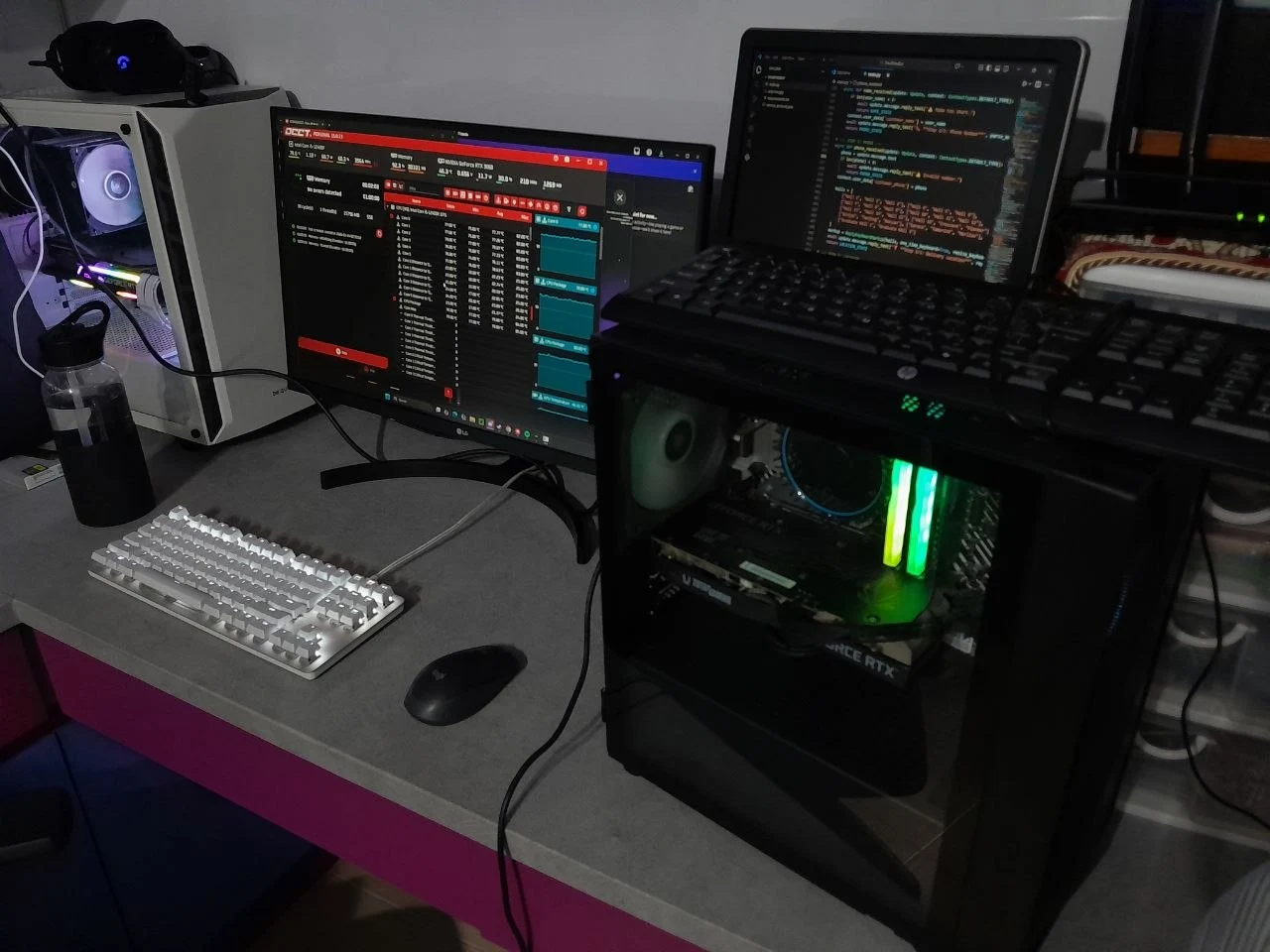
Restart your PC, wait a minute, then jump straight into your usual game or task. If performance feels normal for the first 15–20 minutes and then drops, or fans get progressively louder, that's a thermal problem — dust and ageing paste — not a hardware limitation. If performance is mediocre even immediately after a cold boot, move to step 2.
STEP 2
General sluggishness — slow app launches, laggy multitasking, long load times across the board — often points to storage or RAM. Poor frame rates in specific, demanding games while everything else feels fine usually points to the GPU being the bottleneck for that workload.
THE DECISION
If step 1 pointed to heat, book a $128 Deep Clean before spending on anything else. It's the cheapest fix and it's the actual cause more often than owners expect.
If everything feels slow even when cool, an SSD or RAM upgrade from $35 plus parts is the next step — we'll help identify which one matters more for your setup.
If your PC is cool, clean and still can't do what you need, it's a hardware ceiling, not a maintenance issue — time to compare new configurations.
COMMON QUESTIONS
If your PC performs well right after a cold boot and only degrades over a session, or runs louder and hotter than before, a dust and thermal clean will likely fix it; if performance is consistently poor even when cool, you likely have a genuine hardware bottleneck that needs an SSD, RAM or GPU upgrade, and DreamPC offers both services to match the actual cause.
Send us your symptoms and we'll help you figure out the actual cause before you spend anything.
Book on WhatsApp ↗Need an SSD or RAM upgrade specifically? Compare pricing and what each upgrade improves.
See upgrade pricing and options →