
INSTALLATION
SSD or RAM upgrade
From $35Service fee, plus the compatible parts you choose. Device access and installation scope affect the final fee.
DESKTOP PC UPGRADES · SINGAPORE
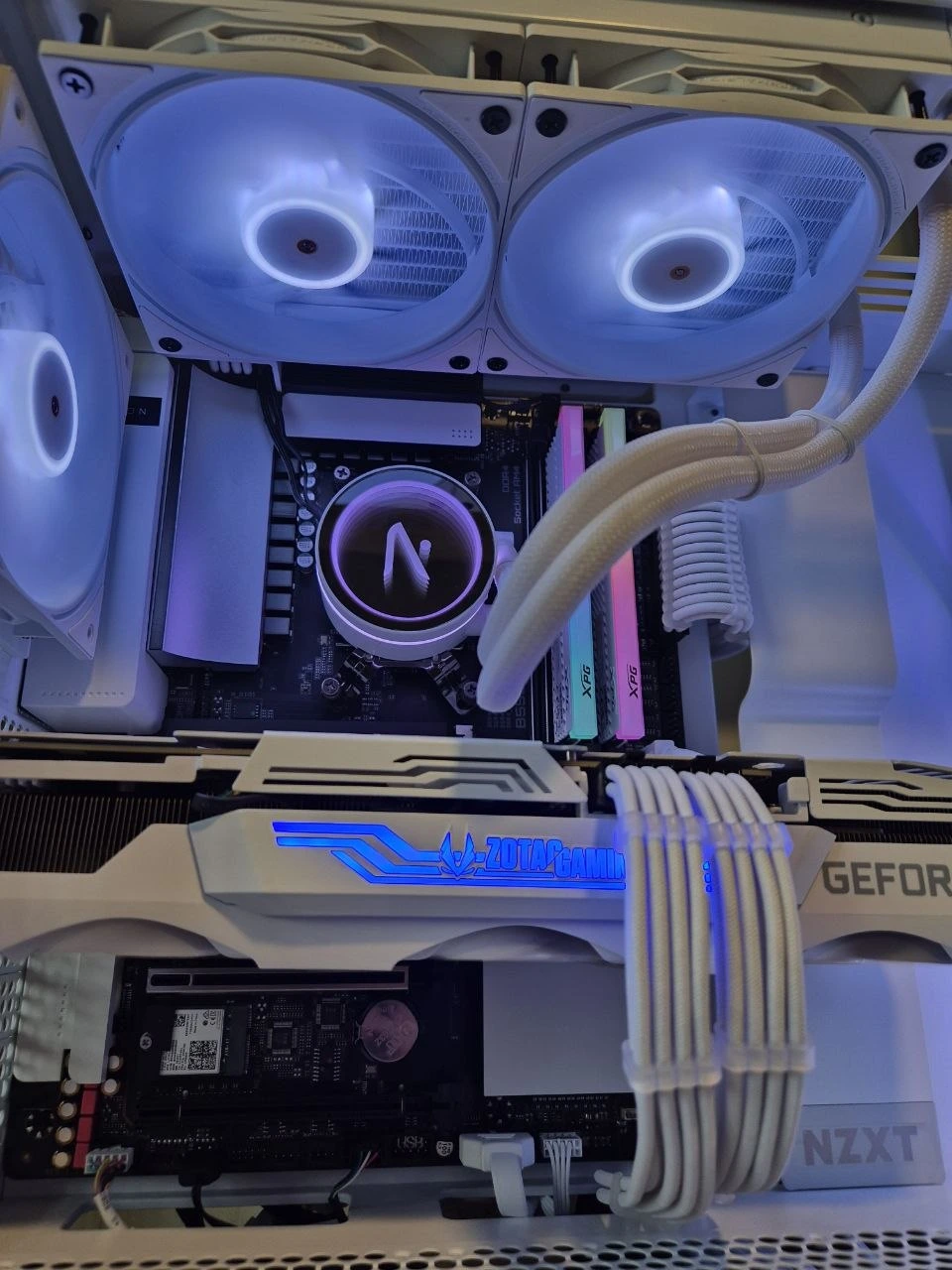
Faster starts, space for your files and smoother multitasking. Desktop SSD and RAM installation from $35, plus parts. Laptop compatibility is checked separately.
STRAIGHTFORWARD PRICING
INSTALLATION
Service fee, plus the compatible parts you choose. Device access and installation scope affect the final fee.
UNEXPLAINED SLOWDOWNS
Diagnosis before replacing parts when the cause is unclear. Replacement costs are quoted after diagnosis.
KEEP YOUR SETUP
Available when the old drive is readable and suitable. Migration is separate from the starting installation fee.
We confirm compatibility, parts, service and any migration charge before you approve. On-site upgrade callouts are $88, separate from installation and parts.
WHAT WOULD HELP MOST?
01
Replace a mechanical hard drive or expand a small SSD. We check the connector, format and supported capacity.
02
More memory can help when your current RAM is full. We check spare slots, memory type and soldered-memory limits.
03
Storage faults, heat and software can feel like a slow PC. An upgrade only helps if it addresses the cause.
NEW PARTS. LOCAL SUPPORT.
Many core PC parts carry 3 years or more of coverage. All brand-new parts we supply have Singapore local warranty. Terms vary by brand and model; your quote confirms the exact local provider and period. *SSD coverage may end earlier at its rated endurance limit. Keep your invoice; warranty exclusions apply.
THREE SIMPLE STEPS
Add your current specs, budget and what you want to improve.
We confirm compatible parts and the work involved.
We fit the upgrade and check that the system recognises it.
Back up important files and your BitLocker recovery key. Cloning depends on drive health; it is not specialist recovery from a dead drive.
Tell us your current parts, workload and budget. Ask about storage, cooling, GPU or power-supply compatibility before buying components. The $35 starting fee applies to SSD/RAM installation; broader component work needs a separate quote.
Heat or crashes? Start with desktop diagnosis, PC thermal servicing or GPU servicing. For a full platform change, compare custom desktop PCs.
Send your model and budget. We’ll help you decide what is worth upgrading.
Let’s get started ↗An SSD upgrade can improve responsiveness when your system still uses a mechanical hard drive. More RAM can help when your applications exceed available memory. Neither automatically fixes a failing component or an underpowered graphics card. DreamPC checks compatibility and quotes upgrade labour from S$35 plus parts. For a larger platform change, compare the complete specifications of our new desktops.
Compare new DreamPC desktops →