
GPU DIAGNOSTICS · SINGAPORE
GPU sag, coil whine and artifacting: normal wear, or time to service?
Not every odd sound or visual glitch means your graphics card is dying. Here's how to tell normal quirks apart from signs that need attention.
GPU SAG
Usually cosmetic, rarely urgent
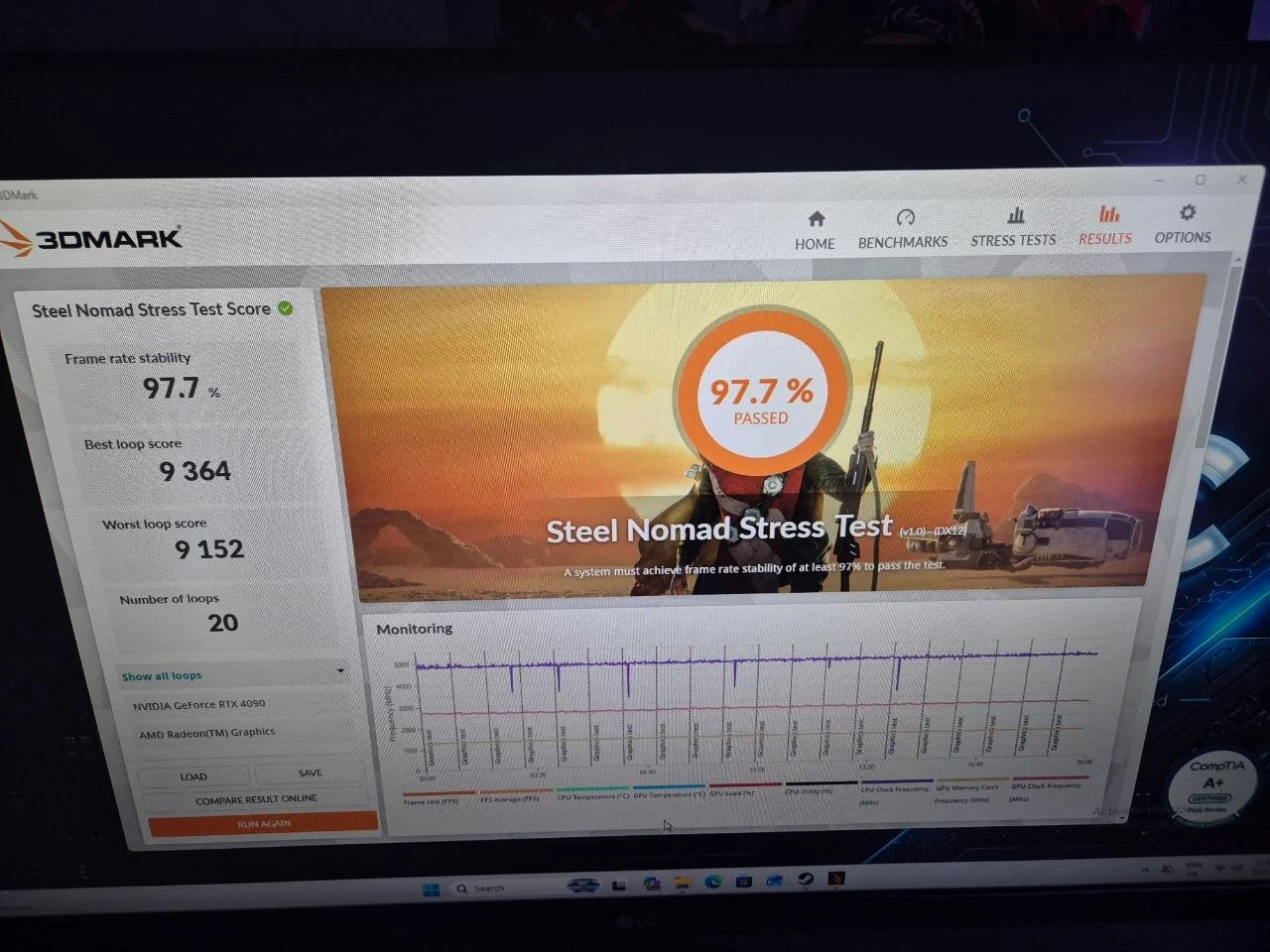
A heavy modern GPU sagging slightly at the PCIe slot due to its own weight is common and, on its own, not a functional problem. Over the long term, a support bracket is a sensible precaution, but sag alone doesn't indicate anything is failing.
COIL WHINE
Often normal — but watch how it changes
A faint high-pitched noise from the GPU under load, especially in high-FPS scenes, is typically harmless electrical noise from the power delivery components and doesn't indicate damage. It becomes worth checking if it grows noticeably louder over weeks or months, or appears alongside new artifacting or crashes — that combination points to a thermal or component issue rather than ordinary coil whine.
ARTIFACTING
This one is never "just normal"
Flickering textures, coloured specks, stuttering geometry, or strange lines on screen during gameplay are signs of a genuine GPU issue — often overheating from dried thermal paste or a failing memory module. Unlike sag or mild coil whine, artifacting should always prompt a check rather than being written off as normal.
COMMON QUESTIONS
GPU symptoms, answered.
Is GPU coil whine or artifacting normal, or does it mean my card needs servicing?
Mild coil whine that stays constant under a given load is usually normal electrical noise, but coil whine that worsens over time, or any visual artifacting such as flickering textures or coloured specks on screen, signals your GPU should be checked, and DreamPC offers GPU servicing from $128 to diagnose and address it.
Get your GPU properly checked
GPU servicing from $128 to $228, covering paste refresh, contact checks and stability testing.
Book on WhatsApp ↗