
Every 3–4 months
A quick check and light dust-off of external fan filters and intakes if your case has easy access — five minutes, no teardown needed.
MAINTENANCE SCHEDULE · SINGAPORE
Generic cleaning advice online is usually written for drier climates. Singapore's humidity and dust levels mean most PCs here need attention sooner than the "once every two years" rule of thumb suggests.
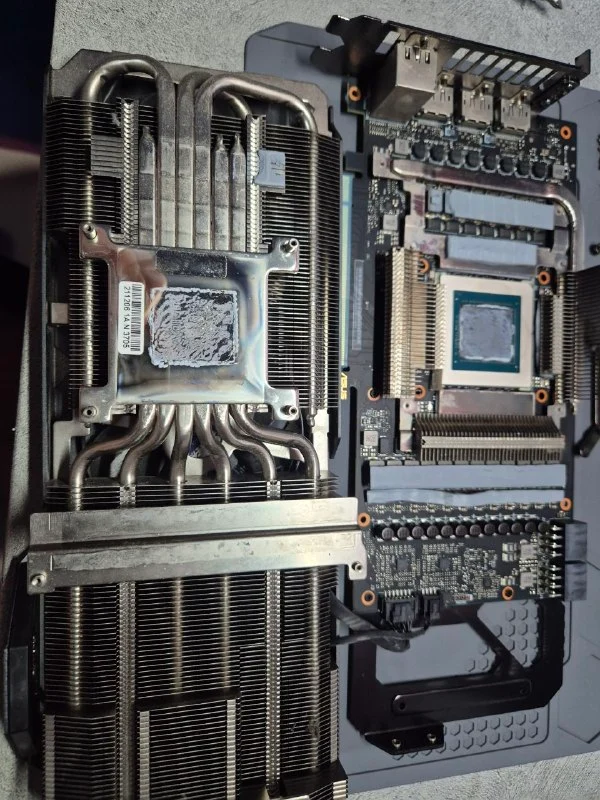
A REALISTIC SCHEDULE
A quick check and light dust-off of external fan filters and intakes if your case has easy access — five minutes, no teardown needed.
Daily gamers, streamers, or PCs in dustier homes benefit from a full Deep Clean on this cadence to stay ahead of thermal buildup.
For general use — browsing, office work, occasional gaming — an annual Deep Clean with repaste keeps temperatures and noise in check.
WHY SINGAPORE IS DIFFERENT
Airborne dust binds more readily to fan blades and heatsink fins in humid air than in dry climates, and Singapore's warmer ambient temperature means coolers start with less thermal margin to begin with. Together, this means a PC that might go two years between cleans in a temperate country often needs it within a year here — sometimes sooner in a dusty HDB unit near a busy road or renovation.
COMMON QUESTIONS
DreamPC recommends a light dust check every 3 to 4 months and a full deep clean with repaste roughly once a year for typical use in Singapore, moving to every 6 to 9 months for heavy daily gaming or a dusty home, because local humidity and dust levels build up faster than in drier climates.
Essential, Deep Clean or Full Thermal Overhaul — priced by depth of clean, not PC size.
Book on WhatsApp ↗