
1. Fans are louder than they used to be
The same games and tasks now trigger fans to spin up harder — a sign your cooler is working overtime to shed the same amount of heat.
REPAIR VS REPLACE · SINGAPORE
A PC that feels slow or runs hot isn't automatically due for replacement. Dried thermal paste and dust buildup mimic the symptoms of ageing or failing hardware. Here are five signs it's a $128 fix, not a $1,000+ one.
THE FIVE SIGNS
The same games and tasks now trigger fans to spin up harder — a sign your cooler is working overtime to shed the same amount of heat.
Strong FPS for the first 15–20 minutes, then a noticeable dip, is a classic sign of thermal throttling, not a CPU or GPU that's "worn out".
Thermal paste dries out over time regardless of usage, and dust accumulates continuously in Singapore's humidity — both compound after roughly two years untouched.
If crashes happen specifically during demanding games or renders but the PC is stable otherwise, overheating protection kicking in is more likely than a failing part.
Good performance when everything is cool, followed by a decline as the session continues, points directly at heat build-up rather than an outdated component.
WHEN IT REALLY IS TIME TO UPGRADE
If your PC runs cool and quiet but simply can't hit the frame rates or workloads you need — even right after a clean boot — that's a genuine capability gap, not a thermal issue. In that case, comparing a new custom build makes more sense than servicing an older one.
COMMON QUESTIONS
If your PC is slow to reach normal-feeling performance until it warms up, runs noticeably hotter and louder than it used to, or throttles under sustained load despite otherwise healthy specs, these are signs a repaste and clean will likely fix it, and DreamPC's $128 Deep Clean addresses exactly this before you spend on a replacement.
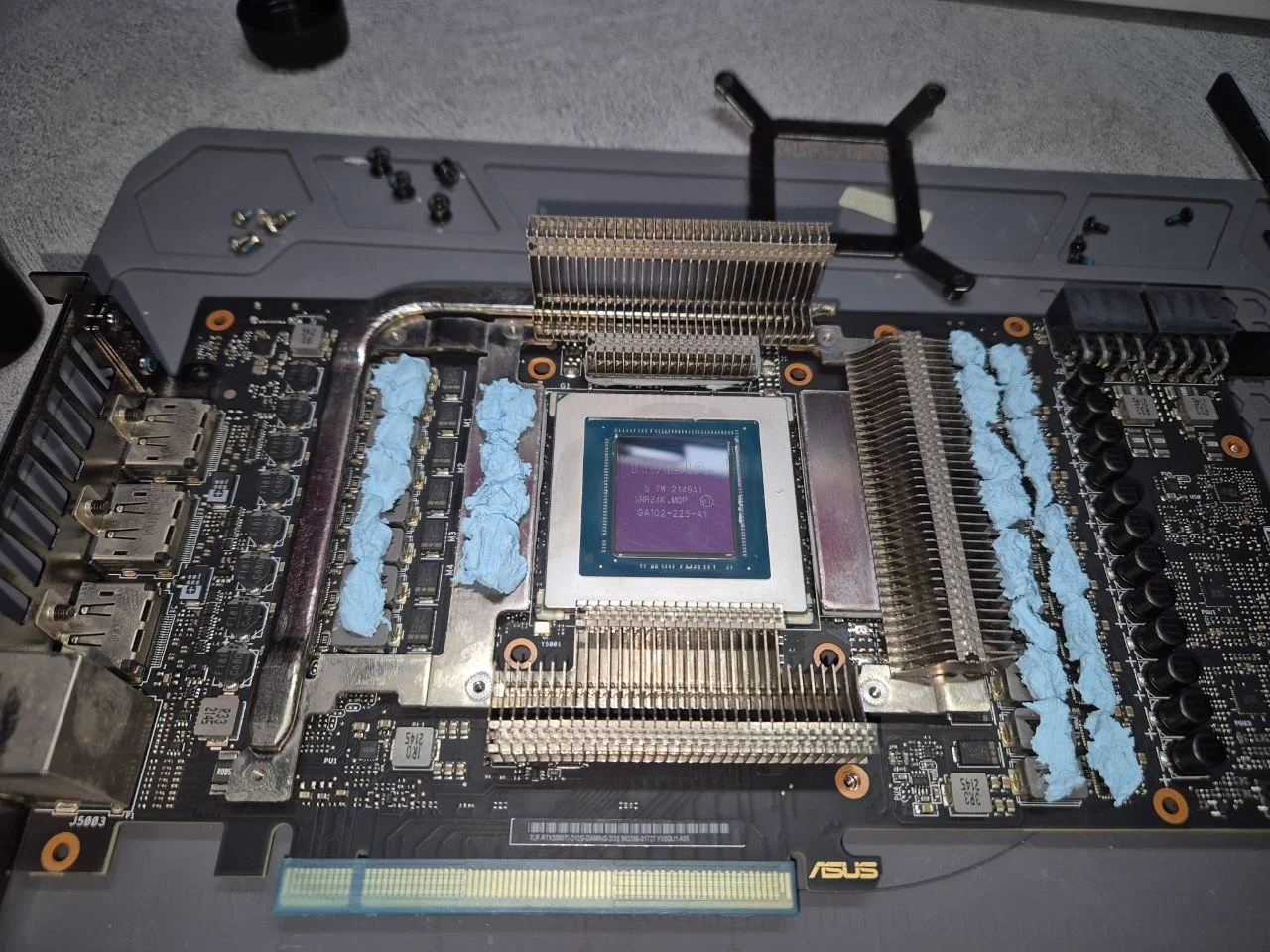
Cooler teardown, fresh repaste and load testing — often all an ageing PC needs.
Book on WhatsApp ↗If a proper clean and repaste doesn't resolve the issue, or your PC genuinely can't handle the games and work you need, compare a new build instead.
Compare new DreamPC desktops →