SSD vs RAM upgrade: which one actually speeds up game load times?
Both upgrades are cheap and both get recommended constantly, but they solve different problems. Here's which one to pick if your goal is specifically shorter loading screens.
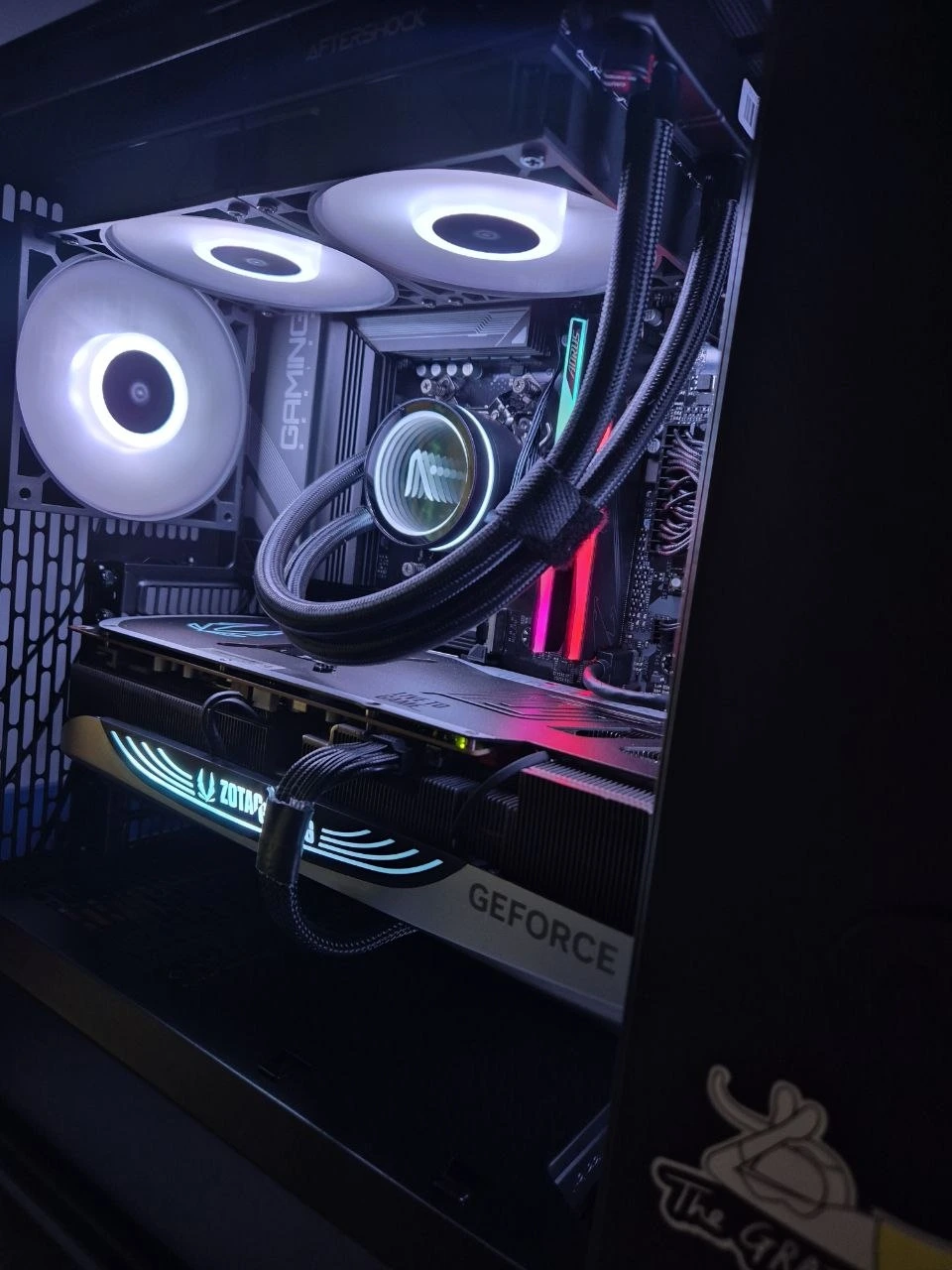
RAM and storage upgrades, side by side on the bench.
WHAT EACH ONE DOES
SSD speeds up loading. RAM prevents stutter.
SSD: reads the game world off disk
Load times — the loading screen, fast travel, respawning into a new area — are mostly limited by how fast your drive can read data. Moving from a hard disk to an SSD, or from an older SATA SSD to a fast NVMe SSD, is the single biggest load-time improvement available.
RAM: holds what's already loaded
RAM keeps assets in memory once they're loaded, so more RAM (or faster RAM) mainly reduces stutter during gameplay and helps when you're alt-tabbing, streaming, or running background apps — not the initial load screen itself.
WHICH TO PICK
If your goal is load times specifically
If you're still running a hard disk drive, an SSD upgrade is the clear priority — it will cut load times dramatically, often from a minute-plus down to single-digit seconds. If you already have an SSD, check how much RAM you have: 8GB is tight for modern games and can cause stutter, while 16GB is a comfortable baseline. If you're already on an SSD with 16GB+ RAM, further gains usually come from a faster drive or GPU, not more of either.
COMMON QUESTIONS
SSD vs RAM, answered.
Should I upgrade my SSD or my RAM to speed up game load times?
For faster game load times specifically, an SSD upgrade (or upgrading from a hard drive to an SSD) gives the biggest improvement, while a RAM upgrade mainly helps with stutter and multitasking once you already have an SSD; DreamPC installs both from $35 plus parts.
Get the right upgrade for your PC
SSD, RAM and storage upgrades from $35 plus parts. We confirm compatibility before quoting.