Computer Cleaning Singapore
PC and laptop cleaning for dust, heat and loud fans.
Dust removal, repaste work, thermal checks and GPU servicing with clear service tiers.
Send photos of the machine, fan noise, temperatures or dust condition. We will advise whether a light clean, deeper repaste, full thermal overhaul or GPU-specific service makes sense.
Cleaning paths
Different dust and heat problems need different cleaning depth.
A clean-looking outside can still hide clogged heatsinks, hardened paste, worn pads or poor airflow. DreamPC checks the device type and symptoms before pushing a full teardown.
A dusty PC may only need an Essential Clean if temperatures are normal. A desktop that shuts down under load may need a deeper clean, CPU repaste, cooler remount or GPU service. A laptop that sounds like a jet engine may have clogged fins, dried paste, fan wear or a blocked intake path. We ask for symptoms and temperatures because the right service depends on what the machine does under load.
For gaming desktops and workstations, cleaning can also reveal other issues: old thermal pads, brittle fan cables, weak fans, case airflow problems or a graphics card that was already unstable. For laptops, the risk depends heavily on model construction and screw/clip condition. DreamPC explains that risk before deep teardown work, especially when the machine is older or the fault may not be caused by dust alone.
If you can, send idle and load temperatures, fan noise symptoms, the last cleaning date and whether the device shuts down during games or heavy work. Those details help us avoid overselling cleaning when diagnosis, fan replacement, storage checks or GPU service would be more honest.
Cleaning tiers
Simple tiers for normal cleaning and deeper thermal work.
We keep PC cleaning pricing visible because customers should not have to guess. GPU servicing is separate because teardown complexity, thermal material and testing time vary by card.
Before and after
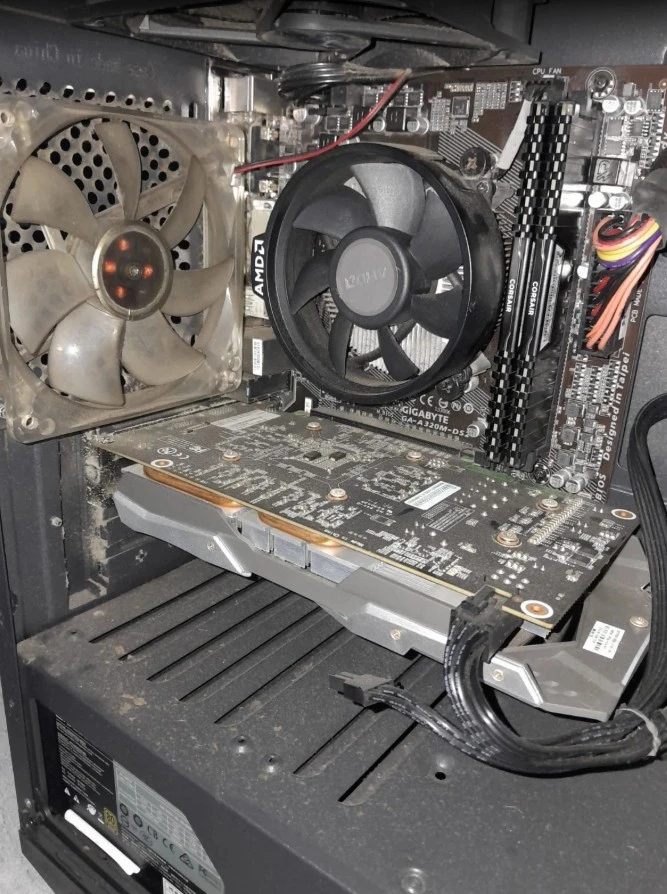
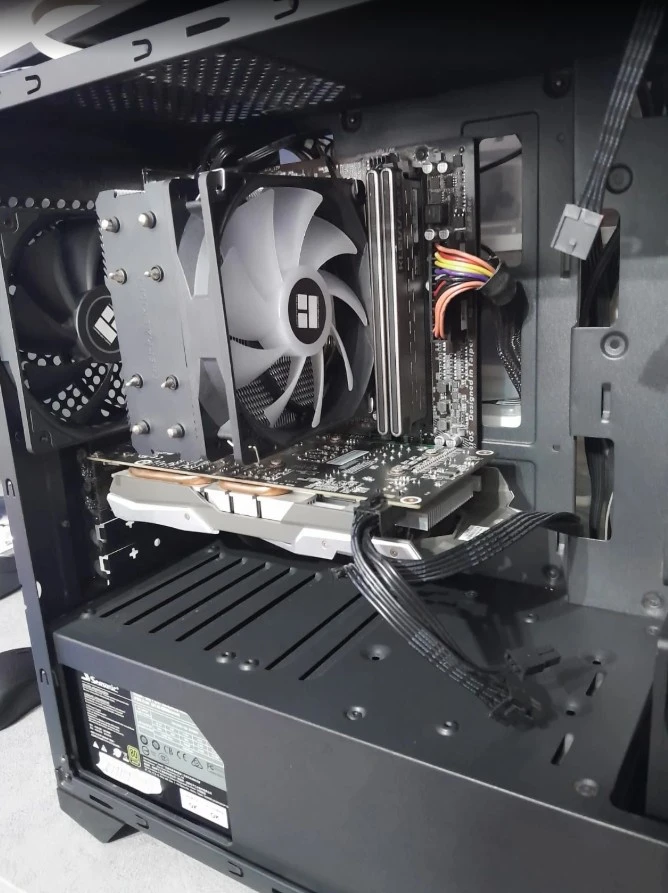
Real cleaning work is about thermals, not just making photos look nice.
Dust cleaning can reduce fan noise and help temperatures, but it should be done carefully. Older fans, fragile connectors, brittle pads or unstable GPUs can reveal hidden issues during teardown or testing.
If a GPU, laptop hinge, fan, connector or board looks risky, we explain the tradeoff and options before proceeding.
Related DreamPC services
Cleaning is often the first step before repair or upgrade decisions.
Overheating can look like a failing part. Cleaning and temperature checks can make it clearer whether the machine needs repair, upgrade, fan replacement, GPU service or nothing more.
Cleaning FAQ
Questions before cleaning.
How much is computer cleaning?
DreamPC cleaning tiers are $88, $128 and $158. GPU servicing has separate $128, $168 and $228 tiers because card complexity varies.
Can cleaning fix overheating?
Often, but not always. Dust, paste, fan health, heatsink contact and the actual workload all affect temperatures. We advise based on symptoms and condition.
Do you clean laptops?
Yes. Laptop thermal cleaning depends on model complexity, fan access and risk. Send the model and photos for advice.
Is GPU servicing the same as PC cleaning?
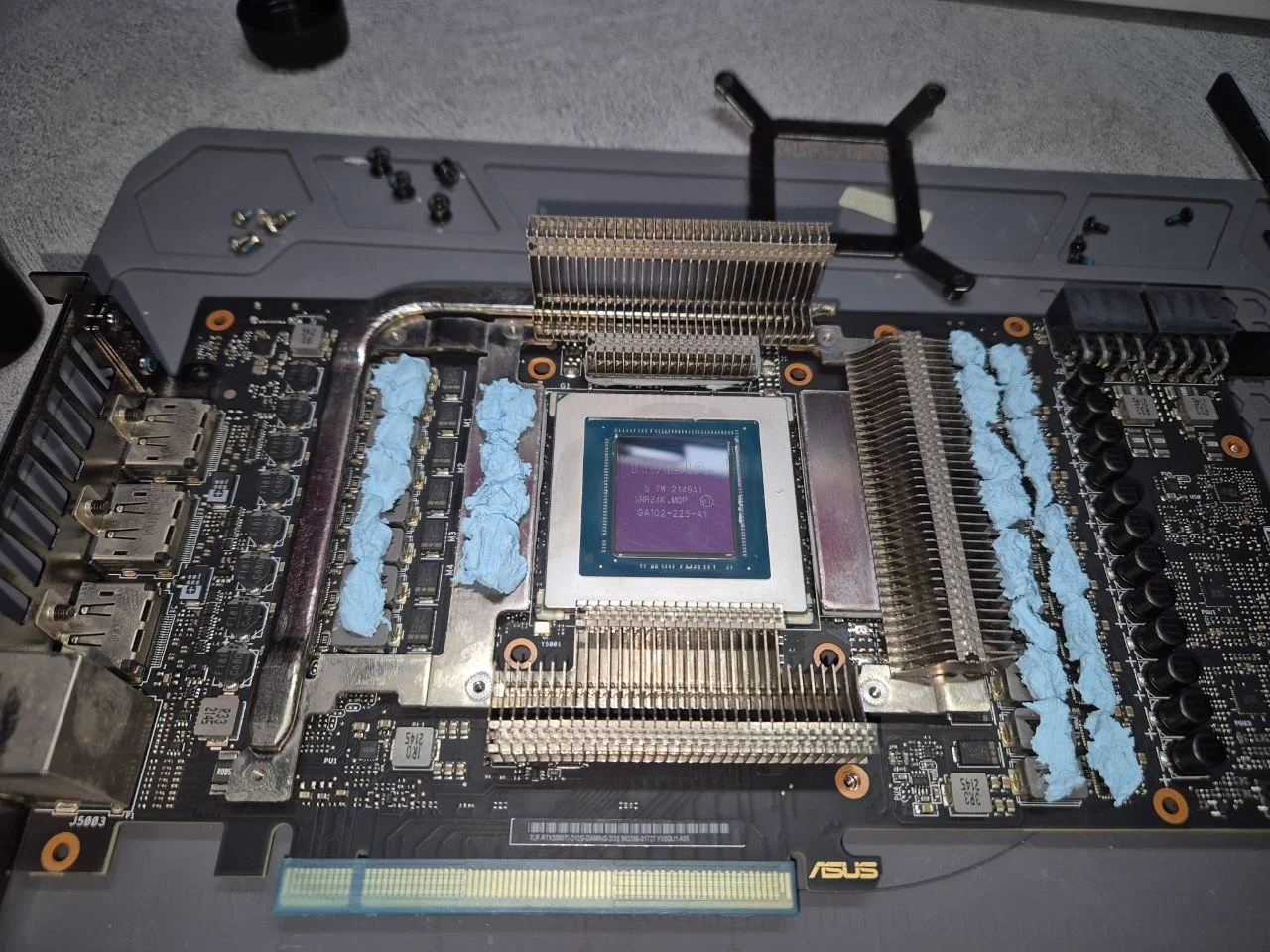
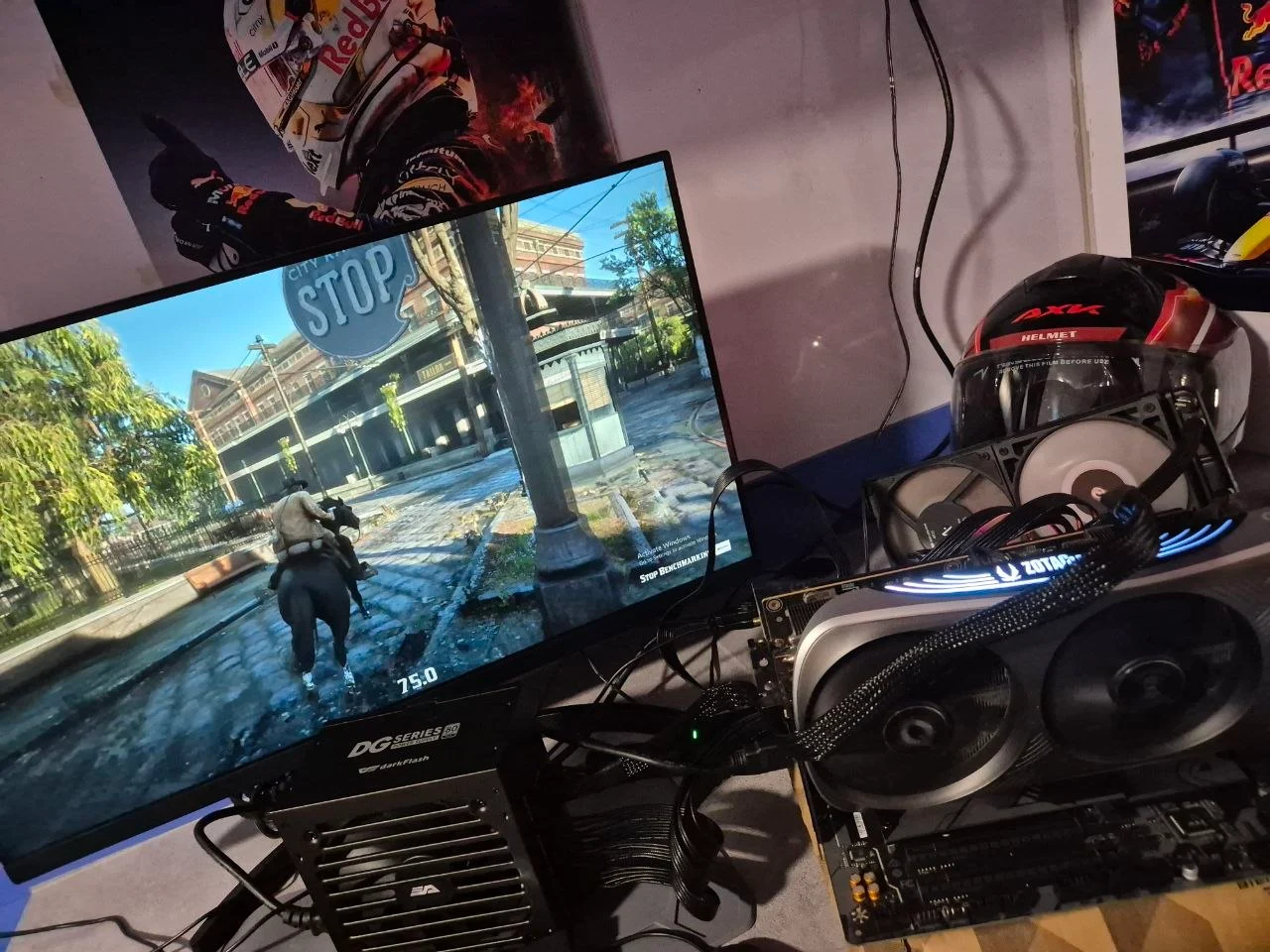
No. GPU servicing usually requires careful card teardown, thermal material selection, reassembly and post-service temperature testing.
Dusty, hot or loud? Send photos first.
We will tell you which cleaning tier makes sense, or whether diagnosis should come before teardown.
WhatsApp DreamPC