Desktop Repair Singapore
Desktop repair for no display, no power and unstable gaming PCs.
Diagnosis first, quote before work, pickup and return across Singapore when workshop checks are needed.
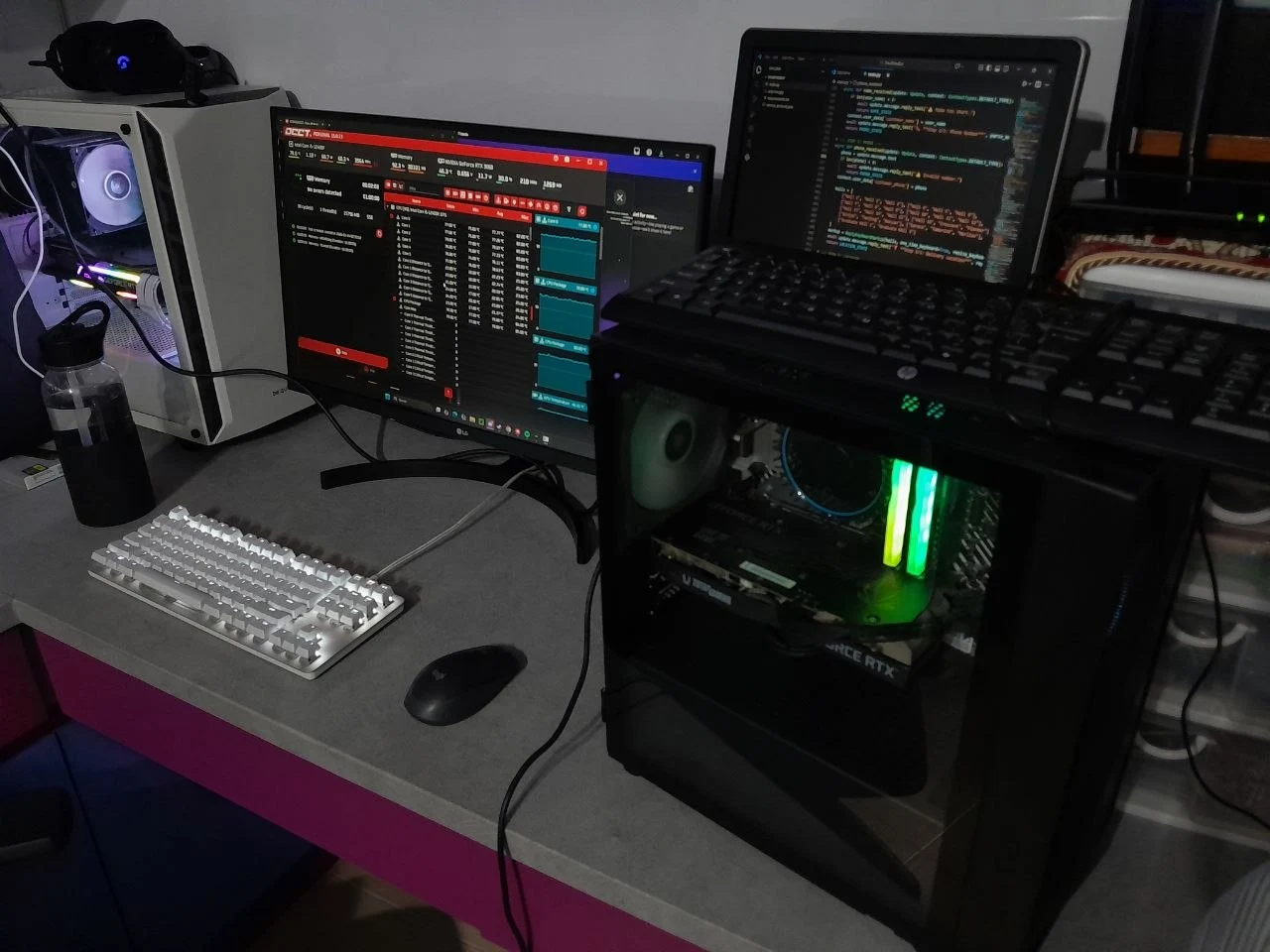
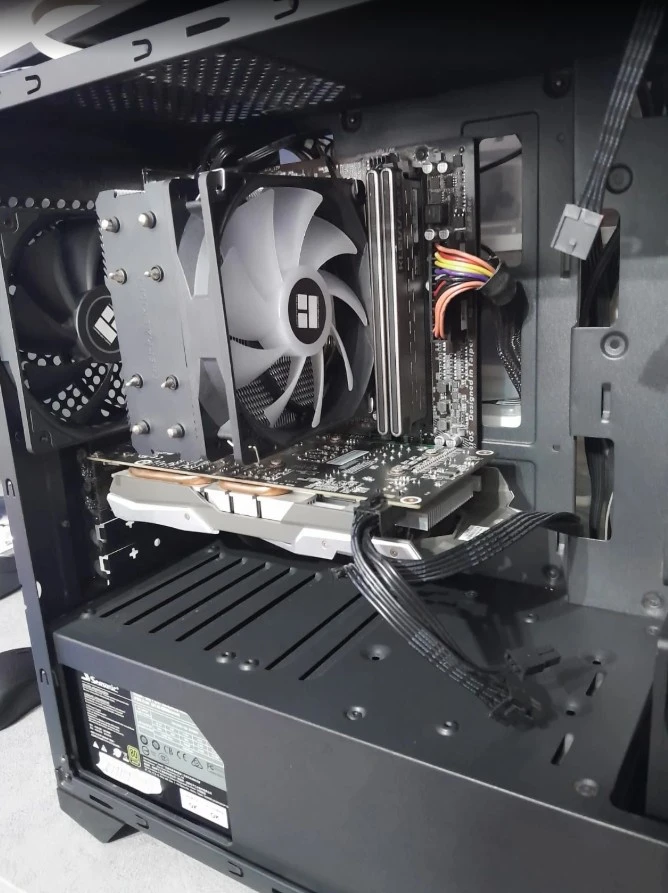
Send the desktop specs, symptom, photo or short video. We check likely causes clearly instead of guessing parts: RAM, GPU, PSU, storage, Windows, cooling and motherboard symptoms.
Desktop fault paths
We start from the symptom, then isolate the likely part.
Desktop repairs can look similar from the outside. A no-display PC may be a monitor cable, RAM training issue, GPU fault, PSU weakness, BIOS setting or motherboard failure. DreamPC checks the evidence before quoting parts or service work.
A desktop PC is modular, but that does not mean the fault is obvious. A bad PSU can look like a motherboard problem. A loose RAM stick can look like a dead GPU. A storage fault can show up as a blue screen, slow startup, missing boot device, or random freeze. For gaming PCs, heat and power draw can make a machine pass a light boot test but fail during games. DreamPC starts by collecting the symptom, parts list and recent changes so the repair path is practical, not just expensive.
If you recently upgraded a GPU, added RAM, moved house, changed monitor cables, updated BIOS, installed Windows, or cleaned the PC yourself, tell us. That context often shortens the diagnosis and helps us decide whether pickup, on-site checks or workshop testing is the better route.
Pricing
Clear desktop repair pricing before work starts.
For desktop repair, the expensive mistake is replacing parts blindly. We separate diagnostic work, service fees and retail parts cost so you know what is worth repairing.
Repair flow
A desktop repair process built around diagnosis.
We handle home PCs, gaming PCs and office desktops. For intermittent crashes or GPU heat, workshop testing is usually more reliable than a rushed on-site guess.
Include photos, specs, error codes, and what changed before the fault started.
Some faults suit pickup and stress testing; simple setup checks may suit on-site support.
We explain the likely fault, service cost and any retail parts needed before repair proceeds.
Repairs are checked with boot, temperature or stability testing based on the original issue.
Related DreamPC services
Desktop repair often connects to cleaning, upgrades and islandwide pickup.
A desktop that crashes under load may need thermal work. A slow desktop may need SSD or RAM upgrades. A no-display machine may need workshop diagnosis before parts are ordered.
Desktop repair FAQ
Questions before you send the PC.
Do you fix desktop PCs with no display?
Yes. We check common causes including display cable, monitor input, RAM, GPU, motherboard, PSU and BIOS-related symptoms.
Can you repair gaming PCs?
Yes. Gaming PC repair can include overheating, crashes, GPU issues, storage faults, failed upgrades, Windows problems and part compatibility checks.
Should I book on-site or pickup?
If the PC needs stress testing, part swaps, GPU checks or deeper diagnosis, pickup and workshop testing is usually better. On-site visits are standard $88 for suitable cases.
Do you quote before replacing parts?
Yes. We explain the diagnosis, retail parts cost and service fee before proceeding with replacement or repair work.
Desktop not booting? Send the symptom first.
A photo, video, beep code, motherboard light, error screen or parts list helps us point you to the sensible next step.
WhatsApp DreamPC