Laptop Repair Singapore
Laptop repair for overheating, slow startup and upgrade issues.
Model-first diagnosis for laptop faults, thermal cleaning, SSD/RAM upgrades and screen checks.
Send the laptop brand, model, symptom and a photo or video. We advise whether the next step is diagnosis, cleaning, parts sourcing, pickup, or a simple check before money is spent.
Laptop symptoms
Repair advice depends on the exact model and symptom.
Laptops are compact and model-specific. The same symptom can come from dust, fan failure, battery swelling, charger issues, screen cable faults, storage failure, RAM limits, Windows problems or a board-level fault.
Two laptops with the same symptom can need very different work. A slow laptop may only need an SSD, but it may also have a failing drive or a Windows issue. An overheating laptop may need cleaning, repaste work, fan replacement or simply better airflow habits. A black screen may be a panel, cable, GPU, RAM or power-state problem. That is why we ask for the exact model before promising a screen, battery, keyboard or fan repair.
Before sending the laptop, back up important files if the machine can still boot. For Windows laptops, also check whether BitLocker is enabled and whether you have the recovery key. Hardware changes, BIOS updates or storage checks can trigger recovery mode on some devices, so it is safer to prepare this before repair work starts.
Pricing
Laptop repair pricing without parts surprises.
Parts availability changes by model, especially for screens, batteries, keyboards and uncommon connectors. We quote the service fee and parts cost before repair work starts.
Repair flow
A safer laptop repair flow for personal data and model-specific parts.
We do not open personal files. Login access may only be requested for OS checks, BitLocker checks or stress testing after you approve the repair path.
Brand, model, age, photos, video, error message and whether BitLocker is enabled if known.
Cleaning, diagnostics, upgrade, part sourcing or a simple first check.
Parts cost and service fee are separated so you can decide if repair is worth it.
We test boot, thermals, charging, storage or screen behavior based on the original issue.
Related DreamPC services
Laptop repair often starts with heat, storage or pickup logistics.
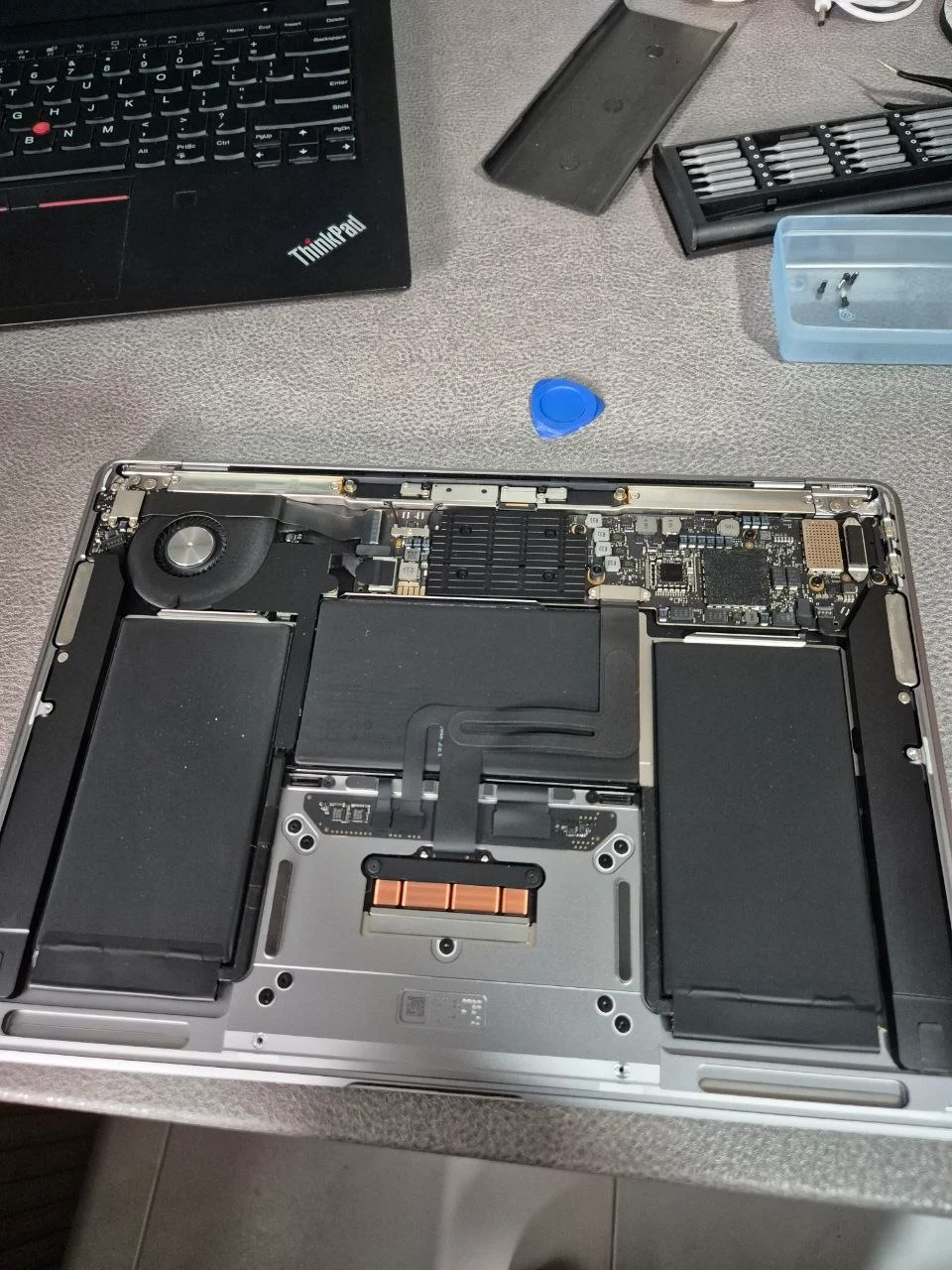
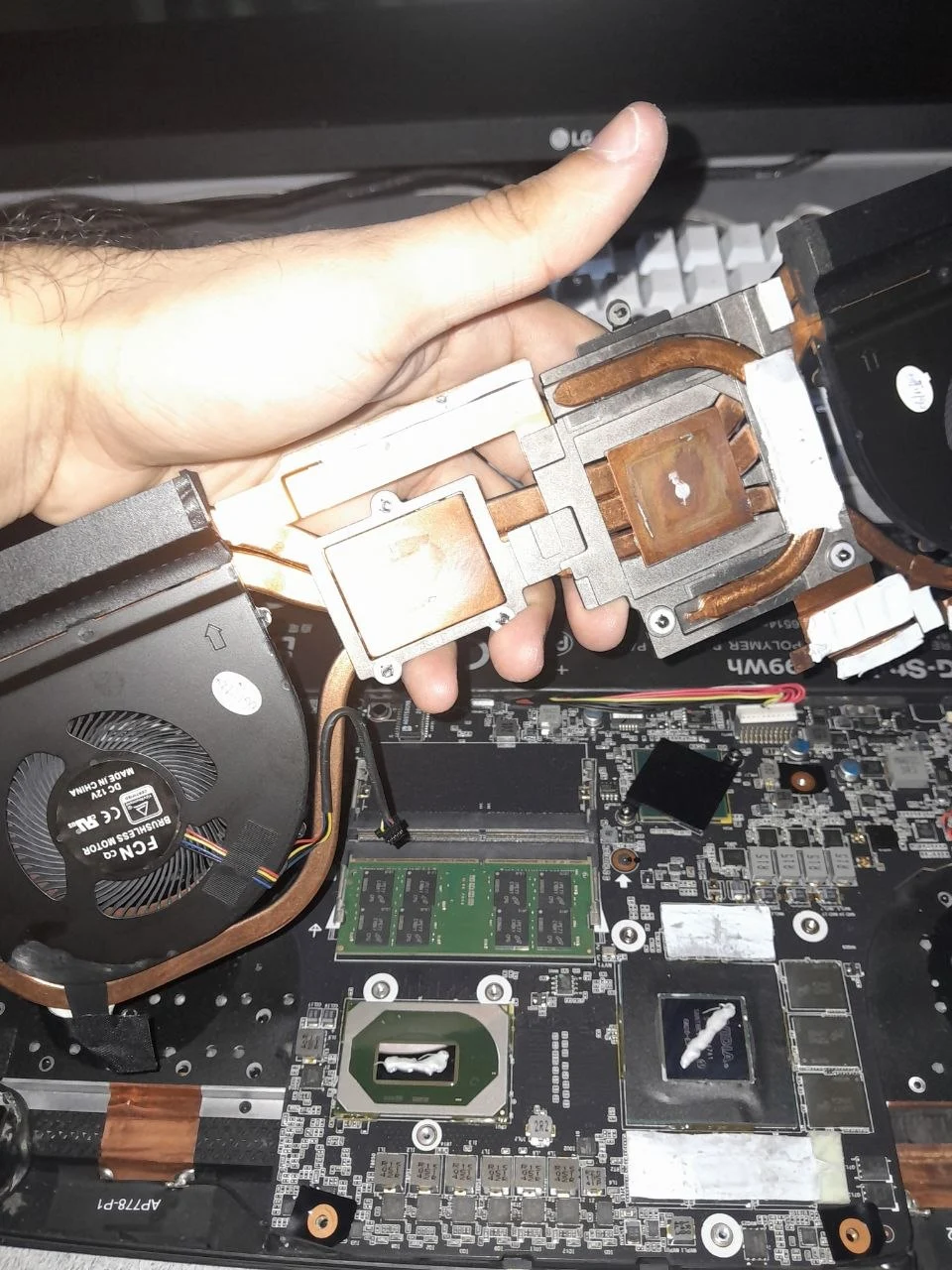
If the laptop is slow, an SSD or RAM upgrade may be smarter than replacing the device. If it runs hot, cleaning and thermal service may solve the real cause before parts are ordered.
Laptop repair FAQ
Questions before you book.
Do you repair overheating laptops?
Yes. We check fan condition, dust buildup, paste condition, temperature behavior and whether a cleaning or thermal service is worthwhile.
Can you upgrade my laptop SSD or RAM?
Yes, when the laptop supports it. We check compatibility first and quote retail parts plus service fee before proceeding.
Do you replace laptop screens?
We can check screen replacement cases and advise parts availability. Screen work depends heavily on model, panel type and sourcing.
What should I send on WhatsApp?
Send the model, symptom, photos or video, charger behavior, any error messages and whether the device has important data or BitLocker enabled.
Laptop acting up? Send the model and symptom.
We will tell you whether diagnosis, thermal cleaning, part sourcing, upgrade or pickup makes the most sense.
WhatsApp DreamPC